A lighter
camera roll.
Swipe left to delete. Right to keep.
Free to download. One purchase later if you like it, no subscription.
Nothing is deleted until you confirm. And it stays recoverable for 30 days.
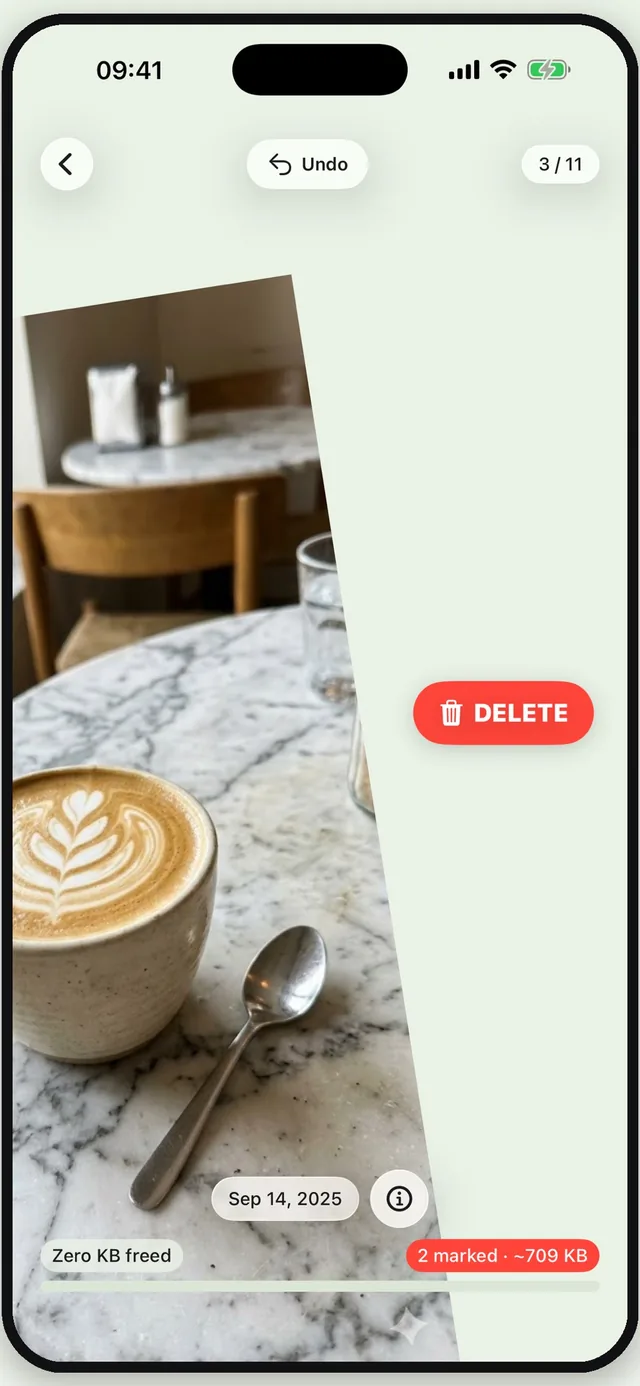
Swipe left to delete. Right to keep.
Free to download. One purchase later if you like it, no subscription.
Nothing is deleted until you confirm. And it stays recoverable for 30 days.
Half a day gone, just moving it all to the new phone. One trip, three hundred photos. One concert, and the storage warning is back.
Left to delete. Right to keep. Up to favourite.
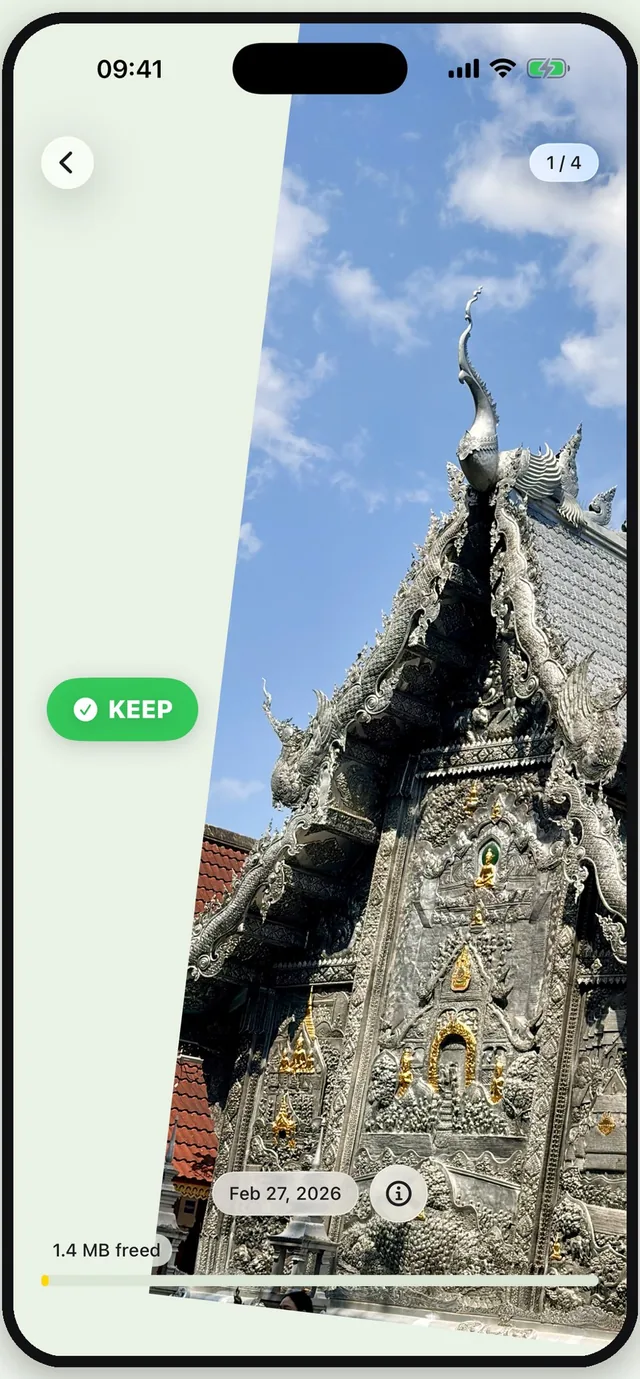
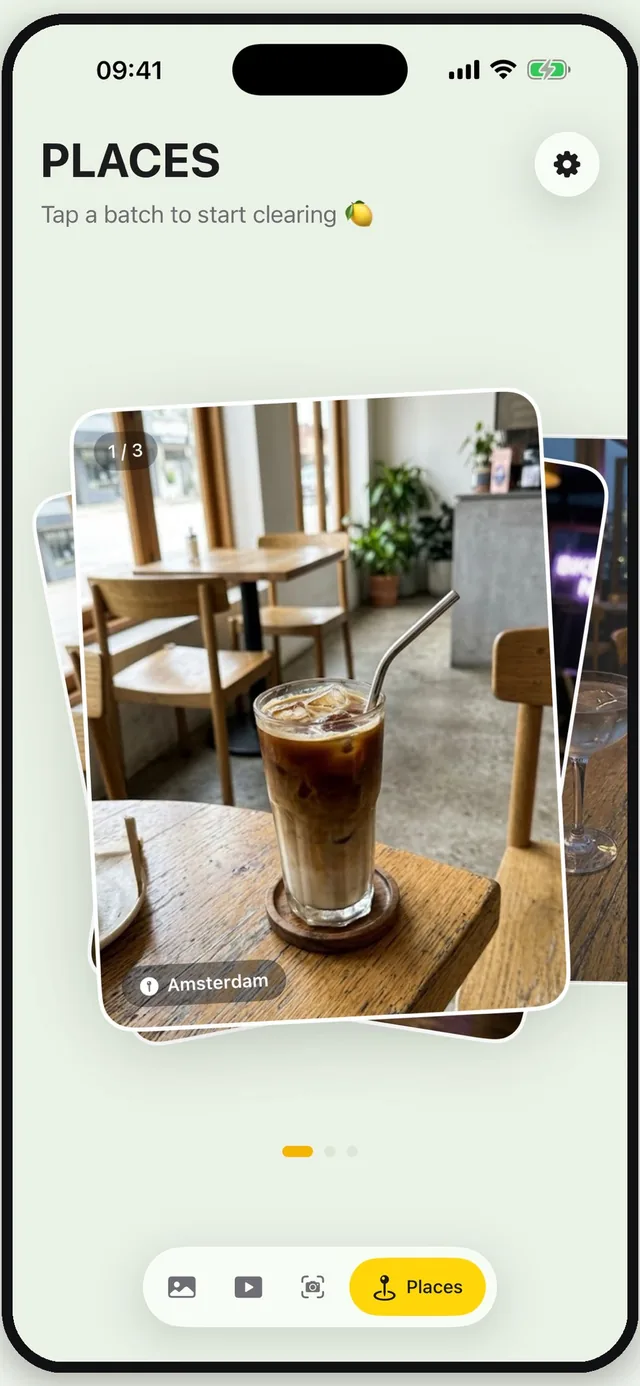
Chiang Mai, 240 photos. Open one place, deal with one place, close it.
This is the part no other cleaner does. It doesn't ask whether to delete a photo. It asks how much of a trip you want to keep.
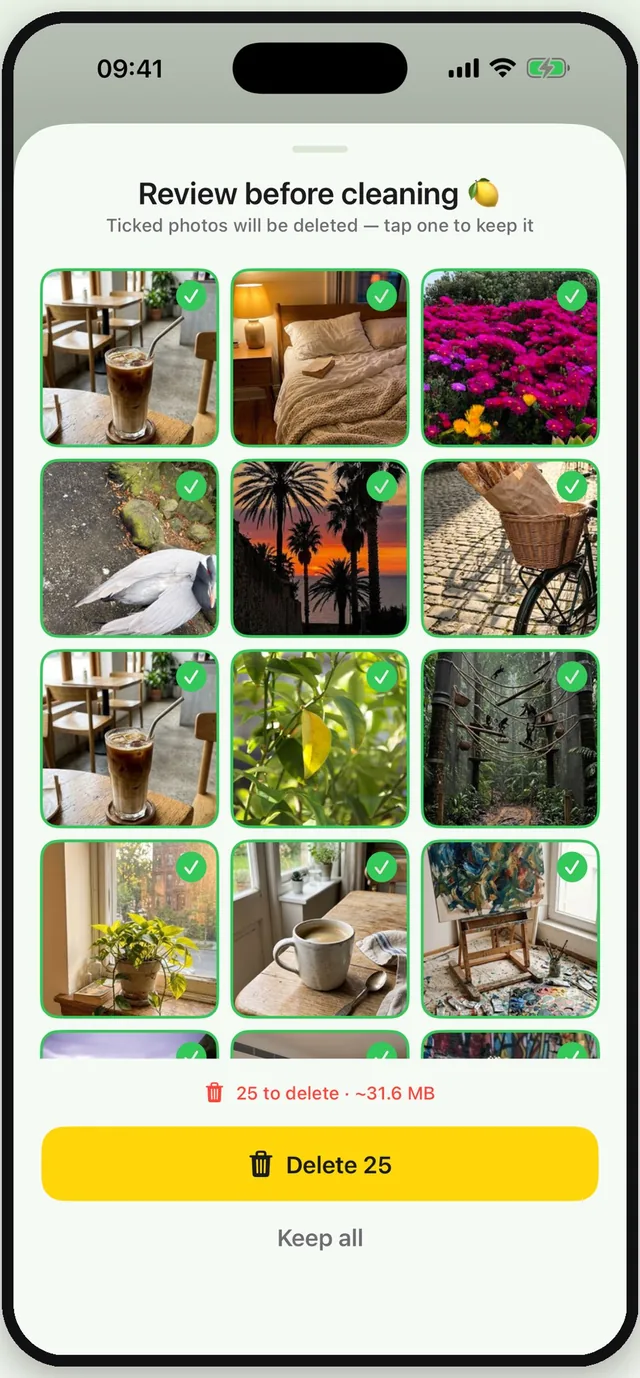
Swiping marks a photo; it doesn't delete it. At the end of a batch you get one confirmation for the whole lot. And anything deleted sits in Recently Deleted for 30 days.
Videos and screenshots each get their own deck. Bursts and near-identical shots surface on their own, while you clear.
One minute of video outweighs a few hundred photos.
The easiest deletions you'll ever make.
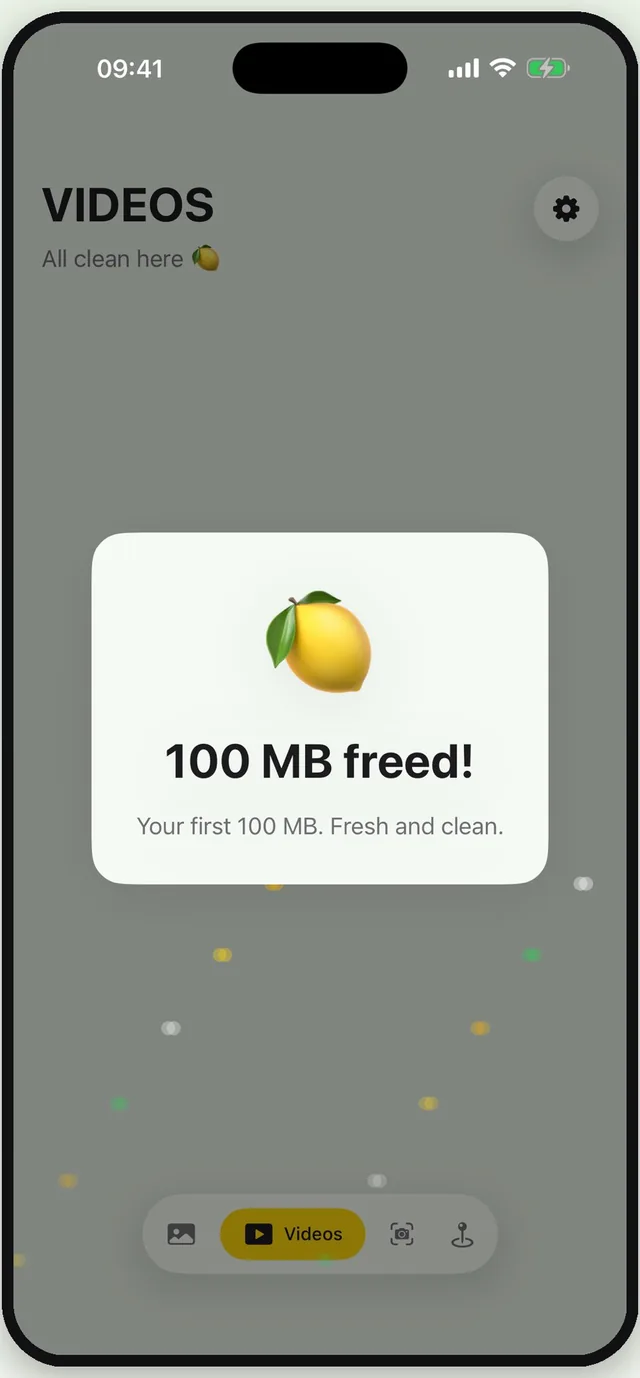
A running total at the bottom of the screen, and a small celebration every 100 MB.
No subscription. No monthly fee.
Buy it once. Yours to use forever.
Look at them properly, before you let them go.

iOS 17 or later · iPhone and iPad